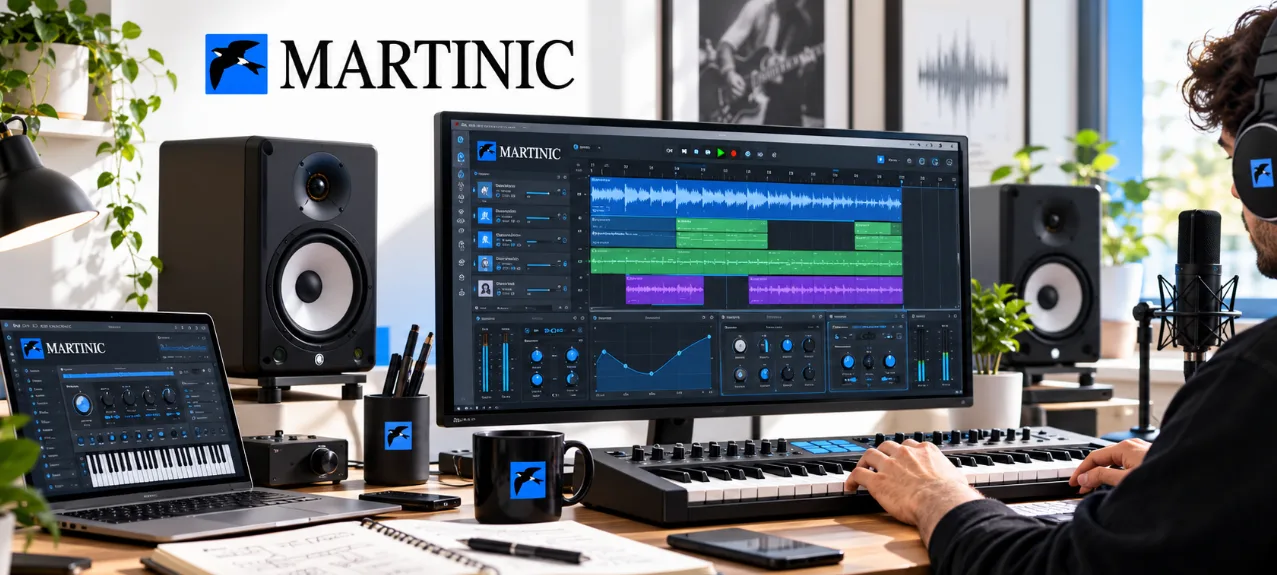
A smooth music production workflow depends less on owning more software and more on building a setup where every tool has a clear role.
Creating music on a computer has become more accessible than ever. A modern setup can include a digital audio workstation, virtual instruments, effects, samples, controllers, and countless other tools.
But having more software doesn't automatically make the creative process better. The real challenge is building a setup where every tool has a clear purpose and helps you move an idea from the first note to a finished track.
How Can You Improve Your Music Production Workflow?
Start by auditing what you already own. A strong music production workflow usually relies on a small, familiar toolkit and a few habits that remove friction between an idea and a finished track.
- Learn the shortcuts in your main DAW; even 10 key commands save time.
- Keep 1 or 2 go-to synths and effects per task instead of dozens.
- Sort samples into clear folders such as drums, loops and FX.
- Build 2–3 project templates for the genres you make most.
- Set aside 30 minutes a week to back up and tidy projects.
Small habits like these add up over months of sessions.
Related reading: Beyond Productivity: Software Tools for a Smarter Digital Lifestyle
Start With a Strong Foundation
Before adding new tools to your setup, think about the type of music you want to create.
A producer working primarily with electronic music may need a different collection of instruments and effects than someone recording vocals, guitars, or live instruments.
Good music production software should fit naturally into your workflow rather than making the process more complicated.
Think about how you usually create. Do you start with drums? A melody? Chords? Sound design? Your answer can help determine which tools are actually worth adding.
Expand Your Sound Palette
One of the biggest advantages of working digitally is the ability to experiment with sounds that would otherwise require physical equipment.
Virtual instruments can give producers access to synthesizers, keyboards, drum machines, and other instruments directly inside their production environment.
They can also make experimentation much easier. Instead of committing to one hardware setup, you can try different sounds and change your approach as a track develops.
Use Plugins With a Purpose
Plugins can dramatically expand what a DAW can do, but it's easy to accumulate too many of them.
Rather than collecting every plugin you come across, consider what your current setup is missing.
Music plugins can serve very different purposes. Some generate sounds, while others shape dynamics, add effects, process vocals, or help create a particular atmosphere.
A smaller collection of tools you understand well can often be more useful than a huge library that you rarely explore.
Explore Synthesis
Sound design can become an important part of the creative process, particularly for electronic music producers.
Synthesizer plugins allow you to experiment with oscillators, filters, envelopes, modulation, and effects without needing physical synthesizer hardware.
Even if you primarily use presets, learning how a synthesizer works can help you understand why certain sounds work well in a particular track.
Don't Forget Effects
Instruments create the raw sound, but effects can help shape how that sound sits inside a mix.
Reverb can create space, delay can add movement, distortion can introduce character, and compression can influence dynamics.
A thoughtful selection of audio production tools can therefore become an important part of the mixing and production process.
The key is to use effects intentionally. Adding more processing doesn't necessarily make a track sound better.
Build Your Own Workflow
A productive music setup should make experimentation easier rather than slowing you down.
MARTINIC develops software for music production, including virtual instruments and audio tools that can become part of a digital studio workflow.
The best approach is to gradually build a collection around your creative needs. Learn the tools you already own, identify gaps in your workflow, and then add software that solves those specific problems.
Frequently Asked Questions
What software do I need to start producing music?
A digital audio workstation (DAW) is the starting point, followed by instruments and effects plugins that suit your style.
Are plugins compatible with every DAW?
Most plugins come in common formats such as VST, AU or AAX; check that your DAW and operating system are supported.
How many plugins should a beginner use?
Fewer is usually better. Learning a small set of instruments and effects in depth tends to improve your workflow faster.
Final Thoughts
With the right combination of instruments, plugins, and effects, your computer can become much more than a recording device. It can become a flexible creative environment where ideas can be explored, developed, and turned into finished music.