
You can create better social media visuals without starting from scratch by using templates, consistent branding and reusable assets in a structured workflow.
Creating content for social media sounds simple until you have to do it consistently. One post becomes five, five become twenty, and suddenly you're spending more time creating graphics than actually planning your content.
The good news is that you don't need to design everything from a blank canvas. With the right digital assets and a structured workflow, you can create polished visuals while still keeping your content original.
How Can You Create Better Social Media Visuals Faster?
Consistent social media visuals come from a repeatable process rather than designing every post from zero.
- Build a small library of 5–10 templates for your main post types.
- Define 2–3 brand colours and 1–2 fonts to use everywhere.
- Batch-create a week of posts in 1 session.
- Customise each template with original text and images so content stays unique.
Related reading: Beyond Productivity: Software Tools for a Smarter Digital Lifestyle
Start With a Strong Template
Starting from scratch can make even a simple social post take much longer than expected. A better approach is to begin with social media templates and customize them around your brand.
Templates give you a starting structure for typography, spacing, composition, and visual hierarchy. Instead of spending time deciding where every element should go, you can focus on the message and visual identity.
The important part is customization. Change the colors, imagery, typography, and copy so the final design actually feels like your brand rather than a generic template.
Build a Consistent Visual Identity
Consistency matters when you're publishing content regularly. Your audience should be able to recognize your posts even before reading the account name.
Creating a small collection of reusable design assets can make this much easier. You might create a set of backgrounds, icons, typography combinations, promotional layouts, and recurring post formats.
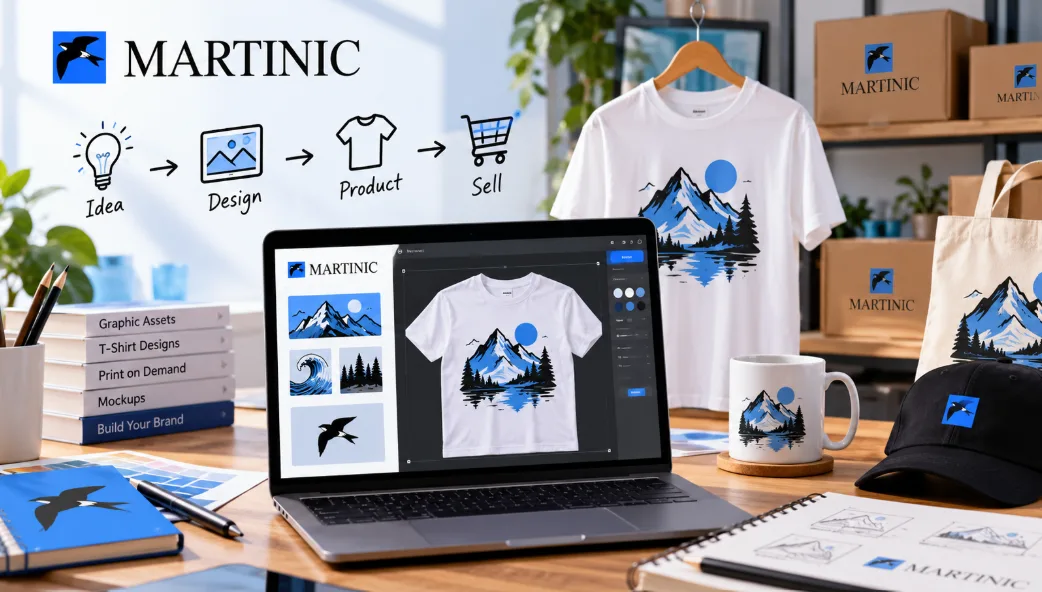
Kittl provides access to templates, graphics, fonts, mockups, and other creative resources that can be incorporated into different types of visual content.
Make Typography Part of the Design
Typography is often treated as an afterthought, but the right font can completely change the personality of a design.
A bold typeface can work well for promotional content, while a cleaner style may be more appropriate for educational posts. Decorative lettering can also help create a particular mood when used carefully.
Using custom fonts gives creators more control over the personality and consistency of their visual content.
Rather than using several fonts in one design, try limiting yourself to two or three complementary styles. This usually makes the final composition easier to read.
Use Visuals That Support the Message
Good social content isn't simply about making something attractive. The visual should help communicate the idea.
For example, a product announcement might need a clear product image and strong headline, while an educational post could benefit from icons, illustrations, and a simple information hierarchy.
Graphic design elements such as illustrations, icons, shapes, and decorative elements can help break up large areas of text and give a composition more visual interest.
The key is restraint. Adding more elements doesn't automatically make a design better.
Repurpose One Design Into Multiple Formats
One of the biggest advantages of working with reusable digital assets is the ability to repurpose your ideas.
A single campaign concept could become an Instagram post, story, Pinterest graphic, YouTube thumbnail, promotional banner, or even an email graphic. Instead of creating each asset independently, you can adapt the same visual language across multiple formats.
Kittl is built around this kind of creative workflow, with tools for branding, social ads, product visuals, mockups, and other marketing materials.
Add AI Without Losing Your Creative Direction
AI tools can also speed up the early stages of the creative process. They can help generate images, explore concepts, remove backgrounds, upscale visuals, or create other starting points for a design.
But AI works best when it supports your creative direction rather than replacing it entirely.
Kittl combines AI-powered creative tools with an editing environment, allowing creators to move from an initial idea toward a more finished visual.
Create a Repeatable Content System
The biggest improvement doesn't necessarily come from learning one more design trick. It comes from creating a repeatable process.
Build a small library of templates and assets. Decide on your typography and visual style. Create a few reusable layouts. Then adapt those foundations whenever you need new content.
This approach can make social media design significantly less time-consuming while still giving you room to experiment.
Frequently Asked Questions
Do I need design experience to create social media visuals?
No. Templates and editable design assets let beginners create consistent, professional-looking visuals without starting from a blank canvas.
How can I keep my posts on-brand?
Use the same fonts, colours and layout style across posts, and save your favourite designs as reusable templates.
How many templates should I start with?
A small set covering your most common post types, such as announcements, quotes and promotions, is usually enough to begin.
Final Thoughts
The objective isn't to make every post identical. It's to create enough consistency that your content feels connected while leaving enough flexibility for new ideas.