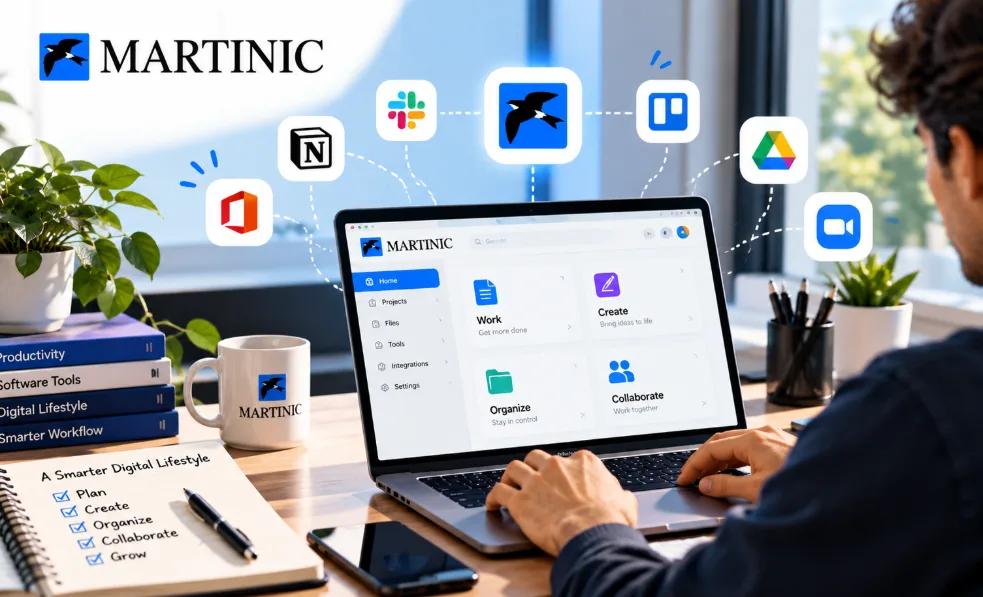
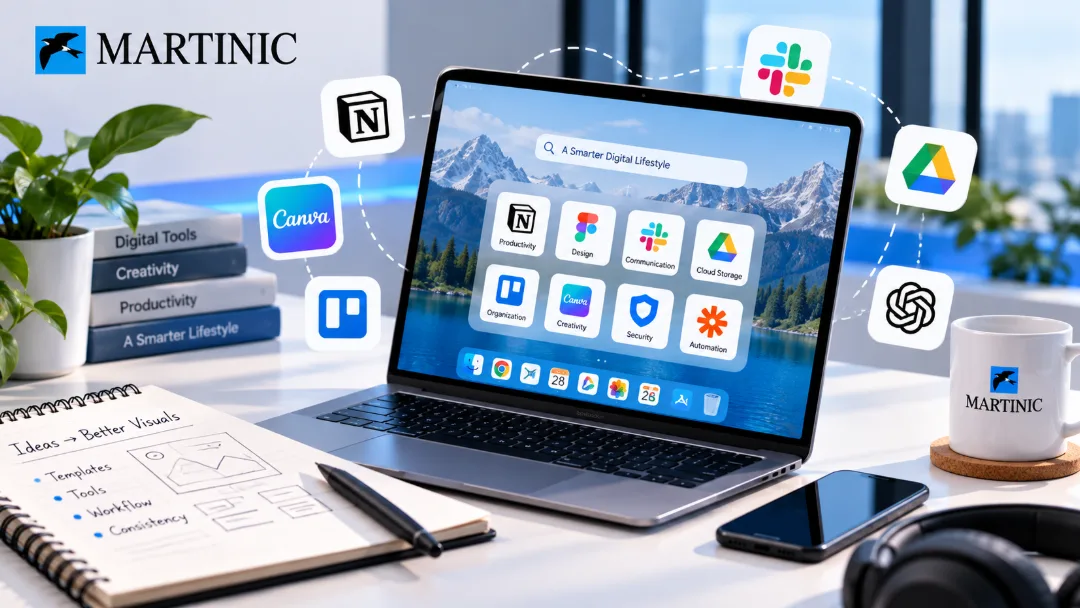
The right software tools support every part of your digital lifestyle, from privacy and entertainment to media editing, communication and file management.
Software is no longer limited to office work. It has become part of almost every aspect of digital life, from protecting personal information and accessing content to editing media, communicating with others, and managing files.
With so many services available, it helps to think about software according to the role it plays in your digital lifestyle rather than simply looking for the most popular application.
Which Software Tools Support a Smarter Digital Lifestyle?
Instead of chasing popular apps, choose software tools according to the job they do for you.
- Privacy: consider a VPN when you use public Wi-Fi on 2 or more devices.
- Content and media: keep 1 app each for streaming and editing.
- Communication: limit yourself to 2–3 messaging platforms.
- Files: use cloud storage and back up important files at least 1 time a week.
- Review subscriptions every 3 months.
Related reading: How to Create Better Social Media Visuals Without Starting From Scratch
Protect Your Digital Privacy
People regularly connect to public Wi-Fi networks, access websites from different locations, and use multiple devices throughout the day. This makes privacy and online security important considerations.
A reliable VPN subscription can be useful for people who want an additional layer of privacy when using the internet. Depending on the service, VPN products may also offer features such as ad blocking, tracker blocking, or protection against malicious websites.
GamsGo's software marketplace currently includes several VPN products and subscription options.
Organize Your Digital Files
Digital clutter can become just as frustrating as physical clutter. Documents, images, videos, downloads, and work files can quickly become difficult to manage.
Cloud-based applications and file-management software can help create a more organized system. Instead of keeping everything scattered across different folders and devices, users can choose tools that make files easier to access and manage.
For people who work across multiple devices, synchronization can be particularly useful.
Improve Your Creative Projects
You don't need to be a professional designer or video editor to benefit from creative software.
Modern video editing software can help users trim footage, add effects, create subtitles, improve image quality, and turn longer recordings into shorter pieces of content.
This can be useful for social media creators, students, freelancers, small businesses, and anyone who regularly produces digital content.
Some current software listings on GamsGo also combine editing tools with AI features such as video upscaling, automated content creation, and image enhancement.
Make Online Research Easier
The internet contains more information than anyone can realistically consume. Search and research tools can help users move from simply finding links to actually working with information.
AI-powered research tools can assist with summarizing information, answering questions, comparing ideas, and organizing research.
These tools are particularly useful when you're working on a project and need to process a large amount of information quickly. They shouldn't replace checking important information, but they can make the first stage of research considerably more efficient.
Think About Software as a Digital Toolkit
Instead of asking which single application is the best, consider which combination of tools fits your lifestyle.
Someone who works remotely may prioritize cloud storage, communication, productivity, and VPN tools. A content creator may care more about video editing, image creation, AI tools, and asset libraries. A student might need document management, PDF editing, research, and productivity applications.
This is why marketplaces such as GamesGo can be useful for exploring different types of digital subscriptions in one place.
Review Your Subscriptions Regularly
Having access to software doesn't mean you need to keep every subscription forever.
Every few months, review the applications you actually use. Cancel tools that have become unnecessary and look for alternatives when your requirements change.
The best digital setup is one that remains useful over time. Whether you're protecting your connection, creating content, managing documents, or researching new ideas, the right software should make your digital life simpler rather than more complicated.
Frequently Asked Questions
Which software categories are worth exploring first?
Start with tools you use daily, such as office, security, creativity or entertainment software, and add others as needs appear.
How do I avoid paying for software I don't use?
Review your subscriptions every few months and cancel or downgrade anything you no longer use regularly.
Is it worth keeping software up to date?
Yes. Updates often include security fixes and improvements, so keeping software current helps protect your devices.
Final Thoughts
With a thoughtful approach to software selection, you can build a digital toolkit around your actual habits instead of accumulating applications that rarely get used.