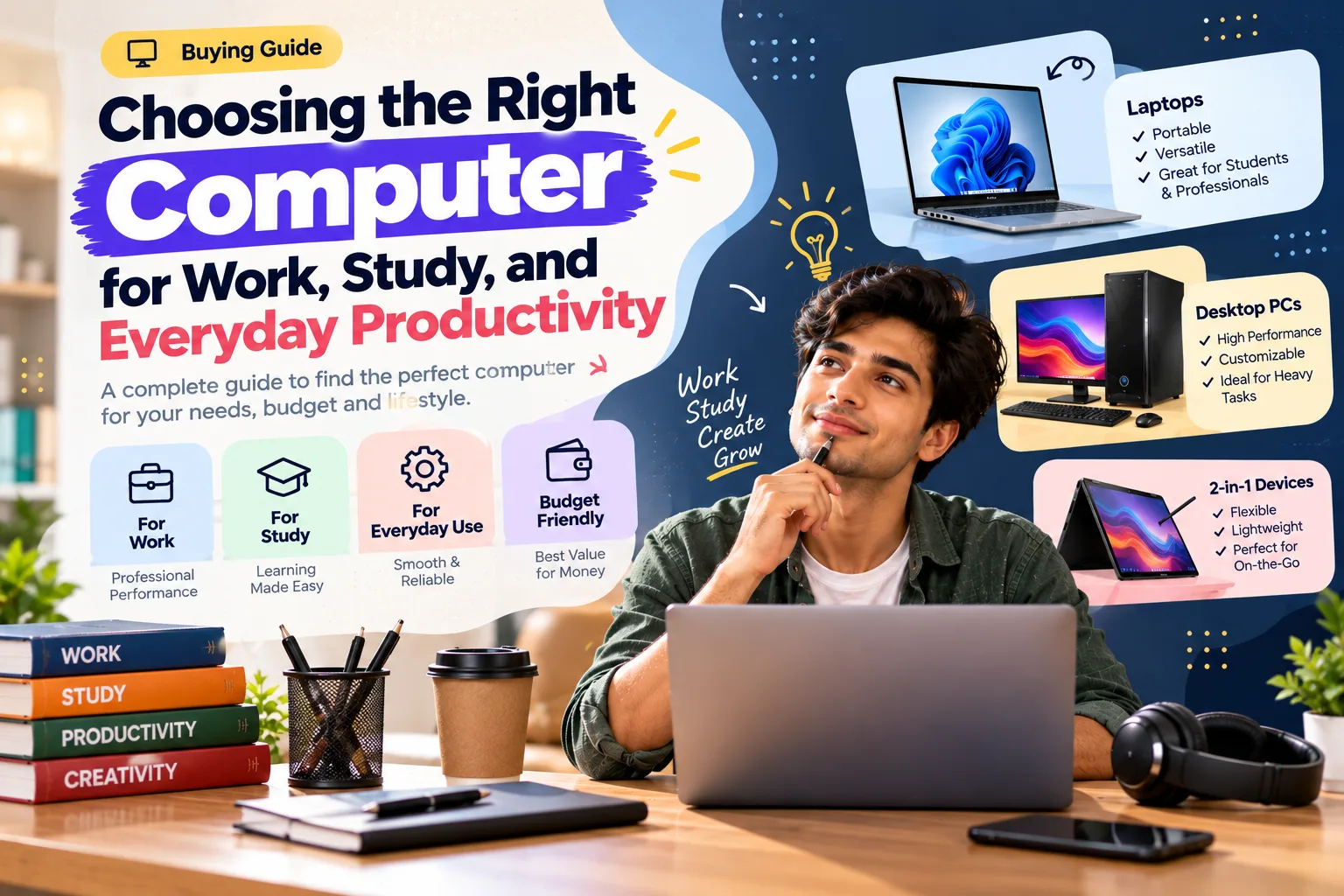
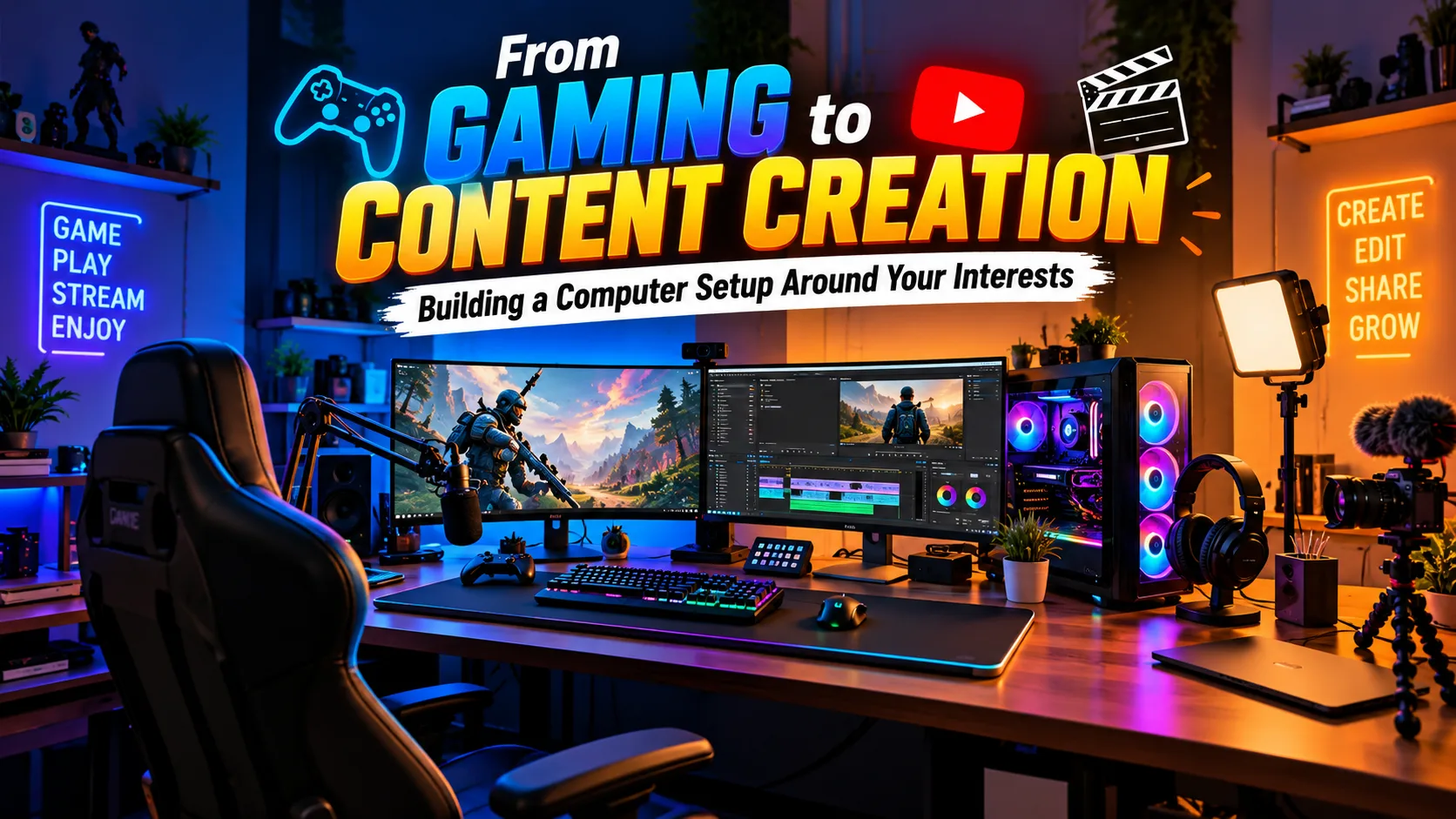
The best computer setup is the one built around your real interests, whether that is gaming, video editing, streaming or everyday work.
A modern computer can be much more than a tool for browsing the internet and checking email. For many people, it is also a gaming machine, creative studio, entertainment center, and platform for learning new skills.
Because different activities demand different things from a computer, choosing your setup around your interests can be more useful than simply looking for the most powerful machine available.
How Do You Plan a Computer Setup Around Your Interests?
Start by listing the 2 or 3 activities you spend the most time on, then spend your budget where those tasks benefit most. A computer setup for gaming and one for editing share many parts, but the priorities differ.
- Gaming: put the graphics card first and pair it with a monitor of 144 Hz or more if you play fast titles.
- Content creation: 16 GB of RAM is a practical minimum, and 32 GB helps with video projects.
- Storage: an SSD for the system plus a second drive for projects keeps work organised.
- Peripherals: a comfortable keyboard, mouse and chair matter for sessions longer than 2 hours.
- Growth: choose a case and power supply with headroom for 1 or 2 future upgrades.
Related reading: How to Choose a Mobile Plan That Fits Your Everyday Lifestyle
Gaming Requires the Right Foundation
Gaming performance depends on several components working together.
The processor handles many of the calculations involved in running applications and games, while the graphics processor plays a major role in rendering visual content. Memory and storage also influence how comfortably games and other applications run.
If gaming is one of your main priorities, gaming laptops can provide a combination of performance and portability.
A desktop setup may make sense for someone who wants greater flexibility, while a laptop can be more convenient for players who move between locations.
Consider the Games You Actually Play
Not every game requires the same hardware.
Competitive games may place particular importance on responsiveness and frame rates, while visually demanding single-player titles can require more graphics performance.
Think about the games you play most often before deciding how much hardware you need. Buying specifications far beyond your actual requirements can increase the cost without necessarily improving your experience proportionally.
Content Creation Has Different Demands
Video editing, graphic design, animation, music production, and other creative activities can require a different type of computer.
Creators often work with large files and multiple applications simultaneously. Storage capacity, memory, processor performance, and graphics capabilities can all become important depending on the software being used.
For people working on demanding creative projects, creator laptops can be worth considering because they are designed around creative workflows.
Don't Forget the Display
A good display matters for both gaming and creative work.
Gamers may prioritize refresh rate and responsiveness, while designers and video editors may pay more attention to resolution, color accuracy, and screen quality.
If you spend several hours every day looking at your screen, choosing a display that fits your work can make a noticeable difference to the overall experience.
Storage Matters More Than You Think
Games, video files, design projects, applications, and media libraries can consume storage surprisingly quickly.
A fast internal drive can make applications and files easier to access, while additional external storage can provide a convenient way to archive large projects.
Creators in particular may benefit from separating active projects from older files instead of allowing everything to accumulate on the main drive.
AI Is Becoming Part of Modern Computing
AI capabilities are also becoming increasingly relevant to computers.
Modern AI-enabled PCs can support features designed around productivity, content creation, communication, and other workflows. Lenovo's current range includes AI PC offerings alongside traditional laptops and desktops.
For users who are interested in experimenting with AI tools, it can be worth considering whether the computer they're buying will support the applications and features they expect to use in the future.
Build Around Your Actual Interests
The best setup isn't necessarily the one with the biggest specifications sheet. It's the one that supports the activities you genuinely care about.
A gamer might prioritize graphics performance and display responsiveness. A video editor may focus on processing power, memory, storage, and screen quality. Someone who does both may want a more balanced configuration.
Lenovo has dedicated categories for gaming and creator users alongside business and student devices, allowing buyers to explore computers according to different use cases.
Think Beyond the Computer
A complete setup can also include a suitable monitor, keyboard, mouse, headset, external storage, or other accessories.
These additions can transform a basic computer into a workstation tailored to your specific interests.
Whether your goal is gaming after work, editing videos on weekends, learning creative software, or simply having a powerful everyday machine, start by identifying what you actually want to do with your computer.
Frequently Asked Questions
What matters most in a gaming computer?
The graphics card, processor and display refresh rate have the biggest impact on gaming performance.
Is a gaming laptop suitable for content creation?
Often, yes. Many gaming laptops have strong processors and graphics, but check colour accuracy and storage if you edit photos or video.
Which accessories improve a computer setup?
A comfortable monitor, keyboard, mouse and good headphones can make as much difference to daily use as the computer itself.
Final Thoughts
Once you understand your workflow, choosing the right combination of performance, portability, display quality, and accessories becomes much simpler.