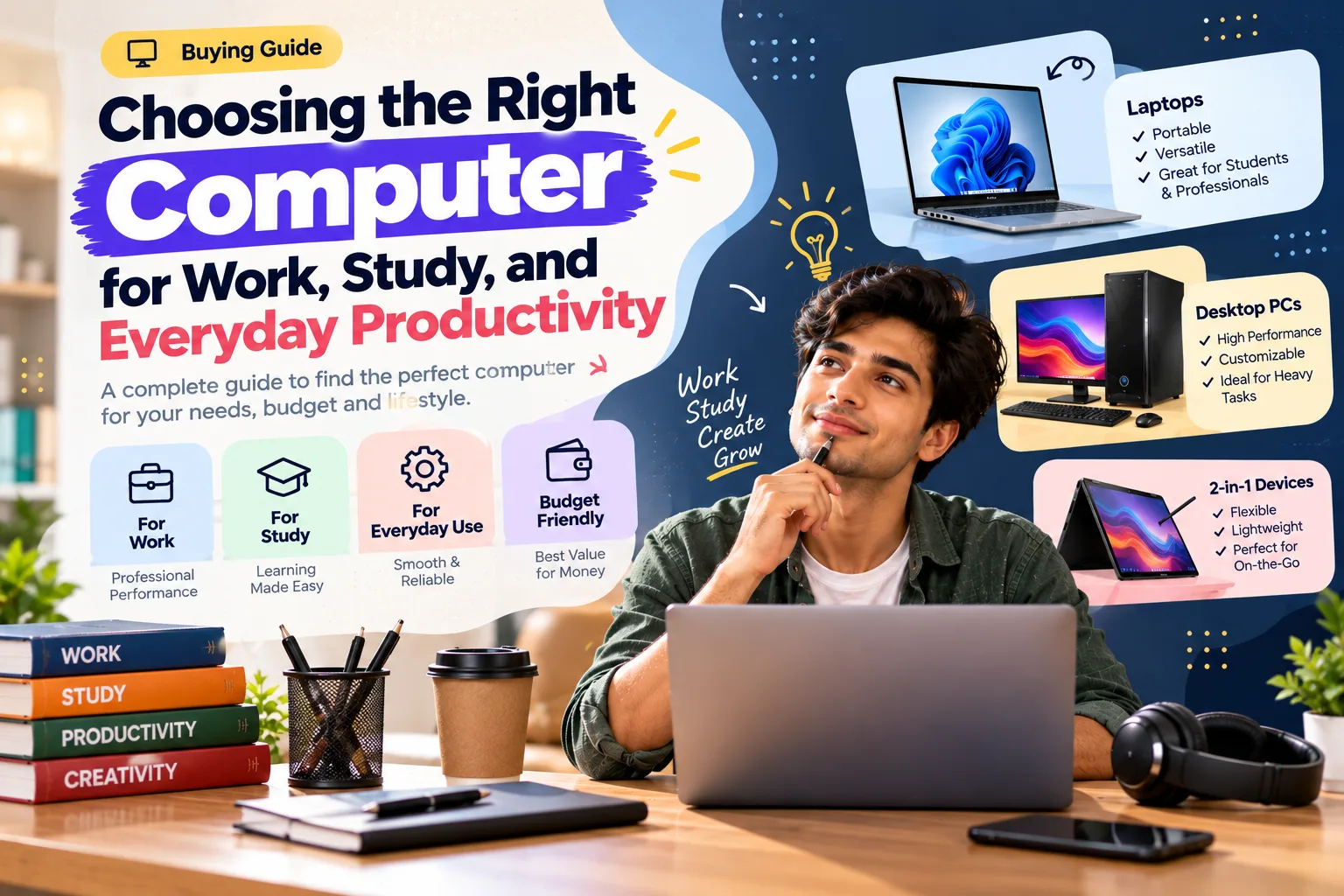
The right computer for work, study and everyday productivity is the one that matches your daily tasks rather than the one with the longest specification list.
A computer has become an essential part of modern life. Whether you're working remotely, attending online classes, managing a small business, or simply handling everyday tasks, having a machine that matches your routine can make digital work considerably easier.
The challenge is that there are countless specifications and configurations to consider. Instead of focusing on every technical number, it helps to start with how you actually plan to use the computer.
How Do You Choose the Right Computer for Work and Study?
Instead of comparing every technical number, choose the right computer by focusing on how you'll actually use it.
- List your 3–5 most common tasks, such as documents, video calls or editing.
- For multitasking, memory of 16 GB is a comfortable target for many users.
- Choose a laptop if you work in 2 or more locations each week.
- Allow extra storage for files you'll create over the next 3–4 years.
Related reading: From Gaming to Content Creation: Building a Computer Setup Around Your Interests
Start With Your Daily Tasks
The right computer depends heavily on what you do throughout the day.
Someone who mainly works with documents, spreadsheets, email, and web applications may have very different requirements from someone who edits videos or works with large creative files.
For general productivity, business laptops can be a practical choice because they are designed around everyday professional use. When comparing options, consider the applications you regularly use rather than simply choosing the highest specifications available.
Think About Portability
If you regularly move between your home, office, university, or different workspaces, portability becomes an important consideration.
A lightweight laptop can make commuting easier, particularly if you carry your computer around for several hours each day. Battery life, screen size, keyboard comfort, and connectivity should also be considered alongside weight.
For people who mostly work from a fixed desk, however, portability may not be as important. In that situation, a larger display and a more comfortable workstation may be more useful.
Don't Underestimate Memory and Storage
Two specifications that deserve attention are RAM and storage.
RAM affects how comfortably a computer can handle multiple applications and browser tabs at the same time. Storage, meanwhile, determines how much space you have for documents, applications, photos, videos, and other files.
If your workflow involves multitasking, having sufficient laptop memory can make everyday use feel smoother.
Storage requirements also vary significantly. Someone working mostly with cloud documents may need less local storage than a photographer, video editor, or student who keeps large media files on the computer.
Consider Your Screen
Your display is something you'll look at every day, so it shouldn't be treated as an afterthought.
If you're working with spreadsheets or multiple windows, a larger screen can make multitasking easier. If you're traveling frequently, a more compact display may be preferable.
Creators and professionals who spend long periods reading or working with visual content may also want to pay attention to resolution, brightness, color reproduction, and viewing comfort.
Think About Your Future Needs
A computer is usually a longer-term purchase, so don't only think about what you need today.
Your workload could change. A student might start using more demanding applications after graduation. A freelancer may take on larger projects. A business may introduce new software that requires additional computing resources.
Lenovo provides different device categories for business users, students, creators, and other types of users, making it possible to approach the purchase according to your specific needs.
Accessories Can Complete the Setup
The computer itself is only one part of a productive workspace.
An external monitor can provide additional screen space. A comfortable keyboard and mouse can improve a desktop setup. A laptop stand can help create a more suitable working position, while headphones can be useful when working in shared environments.
Depending on your routine, these additions can sometimes improve the overall experience more than upgrading a specification you rarely use.
Choose Based on Your Workflow
There is no universal computer configuration that works perfectly for everyone.
A student may prioritize portability and battery life. A professional may care more about multitasking and connectivity. A creative user may need stronger processing and graphics capabilities.
The important thing is to identify your actual requirements first and then compare machines accordingly.
Lenovo offers computers across different user categories, including business, student, gaming, and creator-focused devices.
Frequently Asked Questions
How much RAM do I need for everyday work?
For browsing, documents and video calls, 8 GB is a common starting point, while 16 GB gives more room for multitasking.
Should I choose a laptop or a desktop?
Choose a laptop if you need portability; a desktop usually offers more performance and upgrade options for the price.
What else should I compare besides the processor?
Look at screen quality, battery life, keyboard comfort, available ports and storage type before deciding.
Final Thoughts
Ultimately, the best computer for your lifestyle is the one that comfortably handles the work you actually do while leaving enough room for your needs to evolve.